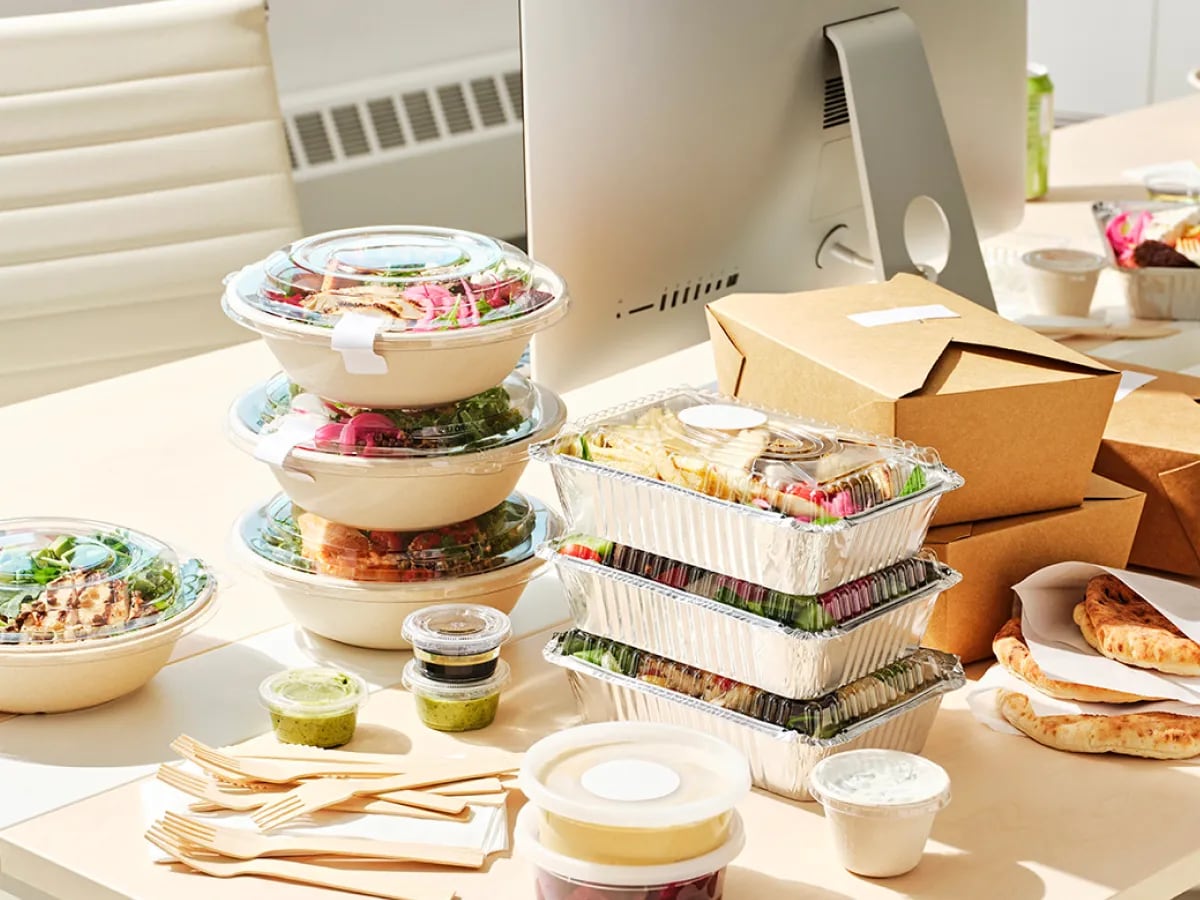
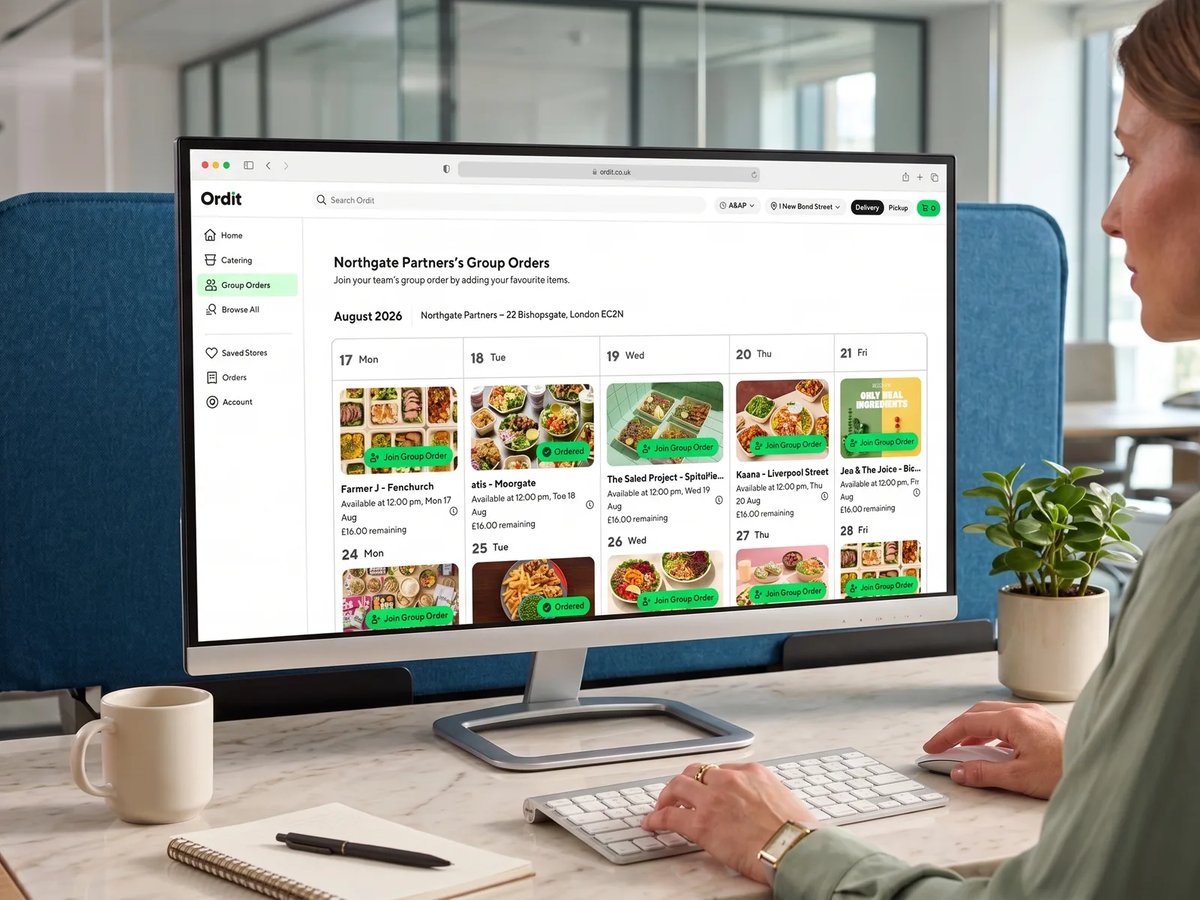
Everyone picks their own meal. One delivery. Zero admin.
This isn't a shared platter or a fixed menu. Every person orders exactly what they want from the restaurants chosen for that order — and everything arrives together, labelled with their name.
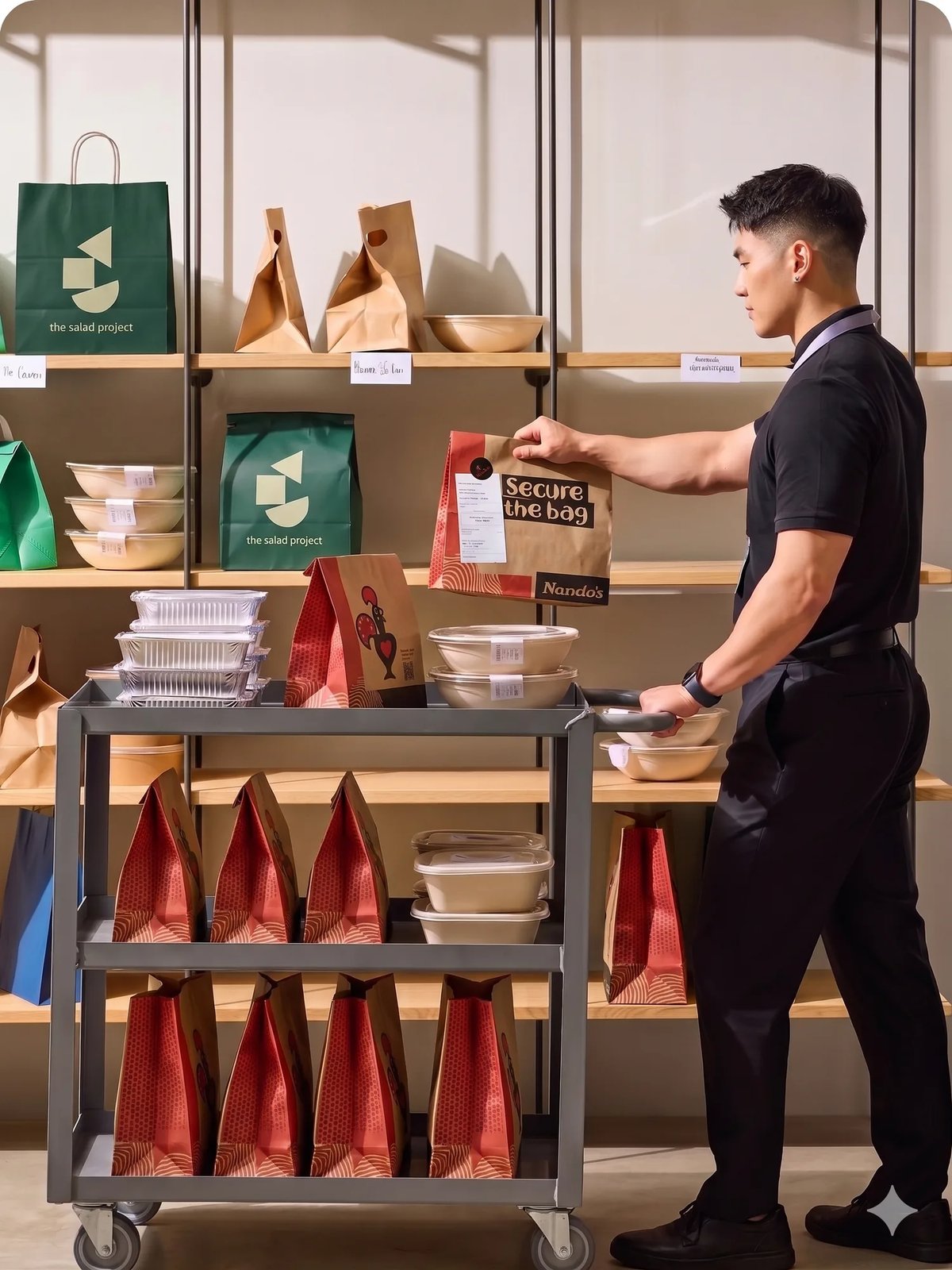


One delivery, four steps



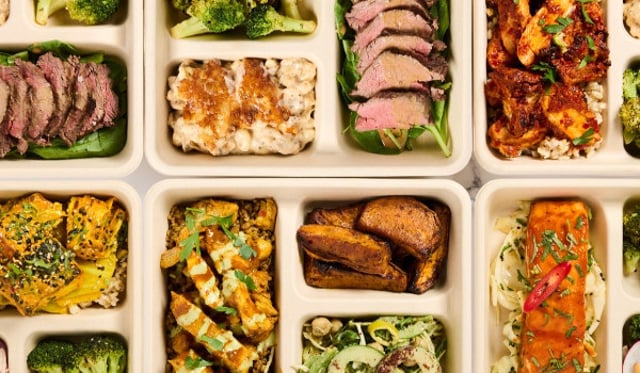

Why Group Ordering works
Built for team culture
Free food is the perk employees value most — Group Ordering makes it work for every diet, every cuisine and every headcount.
No compromise
No "we'll order pizza for the office." Each person picks from the restaurants chosen for that order — dietary needs and allergies included.
One delivery, on time
All meals arrive together by cargo bike. No staggered arrivals, no cold food — the team eats together.
Names on every meal
Every container is labelled with the person's name. No guessing, no mix-ups, even for large groups.
Zero admin
Nobody tracks who paid or files an expense report. One monthly invoice covers every group order.
Trusted by 500+ London companies








Group Ordering by the numbers
Ordit already runs team lunches at serious volume, with the logistics and the billing handled end to end.
2,000+
Orders a day
Ordit batches 2,000+ orders a day
Group orders run at lunchtime and vehicles are sized to the order, so a 300-person all-team lunch is routine.
30 min
Delivery window
Every group order lands in a 30-minute window
A dedicated team monitors every batch live, so the whole order lands together and on time.
1
One monthly invoice
Every group order lands on one invoice
No collecting cash, no expense claims to process: one invoice with 30-day payment terms covers it all.
Three ways teams use Group Ordering
Every team sets it up differently. Three examples: a weekly routine, a one-off celebration, and a standing lunch that replaces a canteen. In each, everyone signs in, picks their own meal and it all arrives together. Recurring orders run themselves; a one-off is arranged with your account manager.
The Friday routine
Runs the same slot every Friday. Your team knows the drill — everyone signs in, and meals arrive together between 12:00 and 12:30, labelled and ready.
- Recurring:set it once as a recurring group order and it repeats on your schedule.
- Predictable:same window, same drop-off point, every time.
- Worth the commute:a shared lunch turns an office day into one people come in for.
Big wins, big groups
Arranged with Ordit for the day: 30 people pick from the restaurants chosen for that order, with a £15-per-person cap. Everything lands in the boardroom between 12:00 and 12:30.
- Budget cap:a per-person limit, agreed when the order is set up and enforced at checkout.
- Scales up:vehicles are sized to the order; groups run from 2 to 300+ people.
- Expense coded:the whole order carries one expense code.
A canteen without the kitchen
No canteen on site? Run a recurring group order on the days you choose: everyone picks their own meal from the restaurants set up for your company, and it all arrives together. No kitchen infrastructure, staffing or food waste.
- Variety:the restaurants rotate between orders, so it beats a fixed canteen menu.
- Your budget:set the per-person cap; anything above it goes on employees' own cards.
- One invoice:the whole programme lands on one monthly invoice.

Group Ordering FAQs