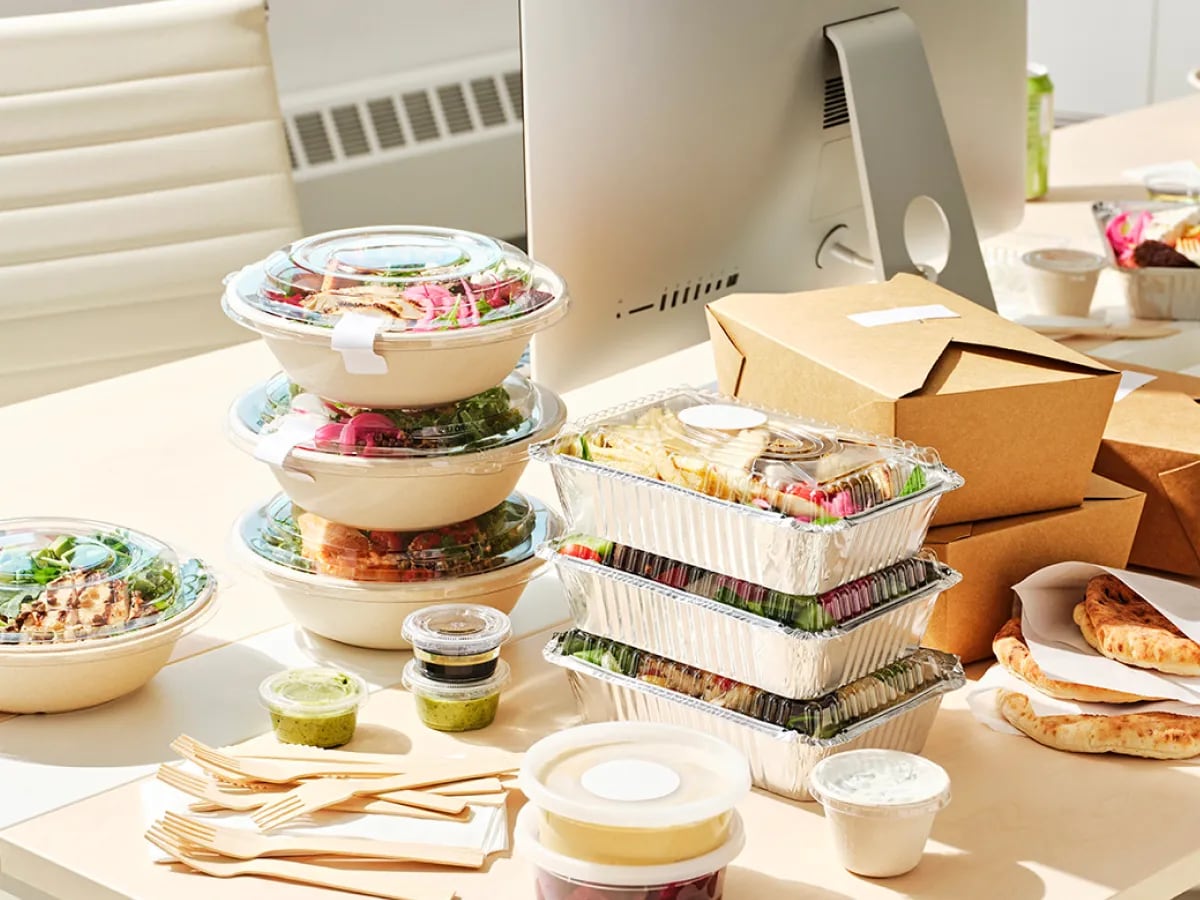
Your team is ordering by end of day one.
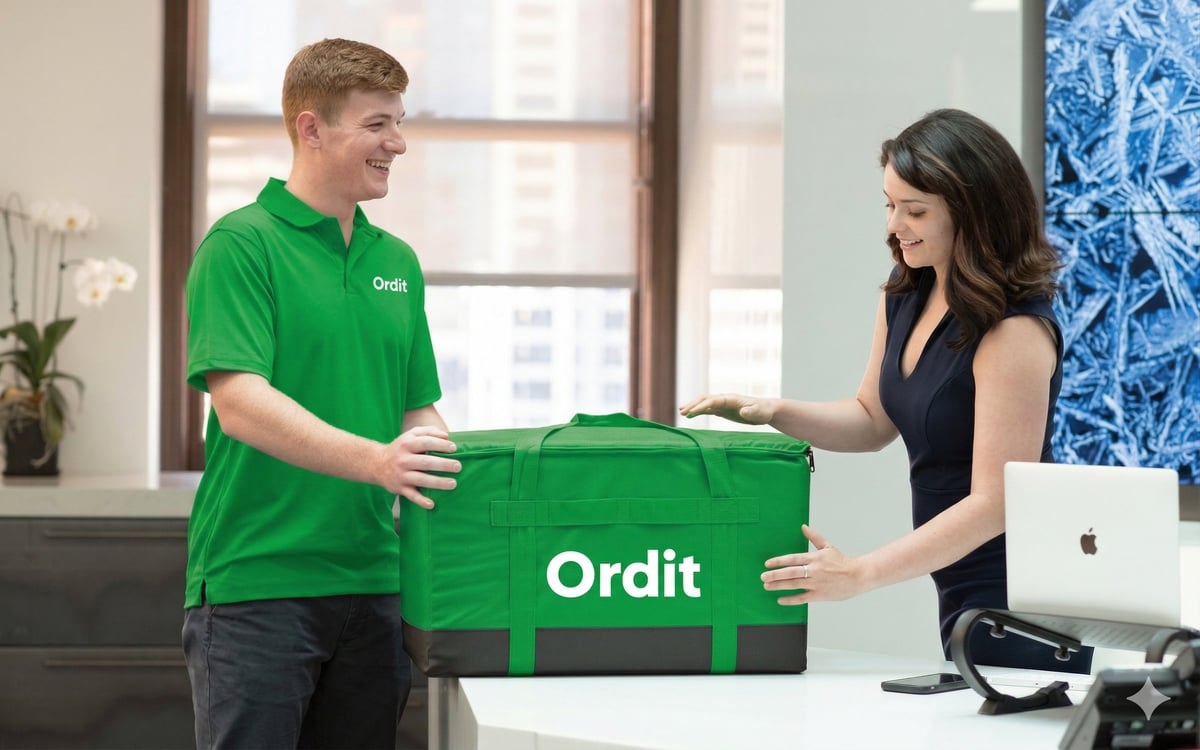
Most platforms give you a portal and a help article. Ordit gives you a named account manager who configures everything — SSO, HR feeds, expense codes — and doesn't leave until the first order lands.

From setup call to first order in one day

Setup, compared
The difference isn't the portal — it's who does the work to get you live.
A portal and a help article
Most corporate food platforms hand you the keys and leave you to it.
- Manual users:admins add joiners and remove leavers by hand.
- Manual codes:employees type expense codes at checkout — or skip them.
- No SSO:separate logins and passwords for every employee.
A named account manager
Your account manager configures SSO, maps the SFTP feed, connects SAP Concur and trains your admins — on day one.
- Automated lifecycle:joiners added and leavers deactivated overnight from your HR system.
- Codes auto-filled:expense codes flow to your finance system daily, without manual entry.
- One sign-in:employees use their work email from the first order.
Integrations
Connected to the systems you already run
SSO, daily SFTP feeds and expense integrations are live today — set up in one to two weeks including testing.
Sign-in
Employees sign in with their work email and a password. If you use SSO, Ordit supports SAML 2.0 with Okta, Microsoft or Google — optional, not a prerequisite.
HR system sync
A daily SFTP feed from Workday or your HR system. New joiners appear overnight with a budget assigned; leavers are deactivated automatically.
Expense codes
Expense codes auto-filled at checkout and sent daily to SAP Concur, Coupa or P2P. No manual entry, no receipts.
Reporting
Spend by order, item, restaurant, employee, team or expense code — in the Admin Portal, exported to Excel, or via API.

What you can run on Ordit
Start with one product or run the whole programme — everything shares the same Admin Portal and one monthly invoice.

Meal Budgets
Set budgets by team, location, day or time — enforced at checkout, settled on one invoice.
Group Orders
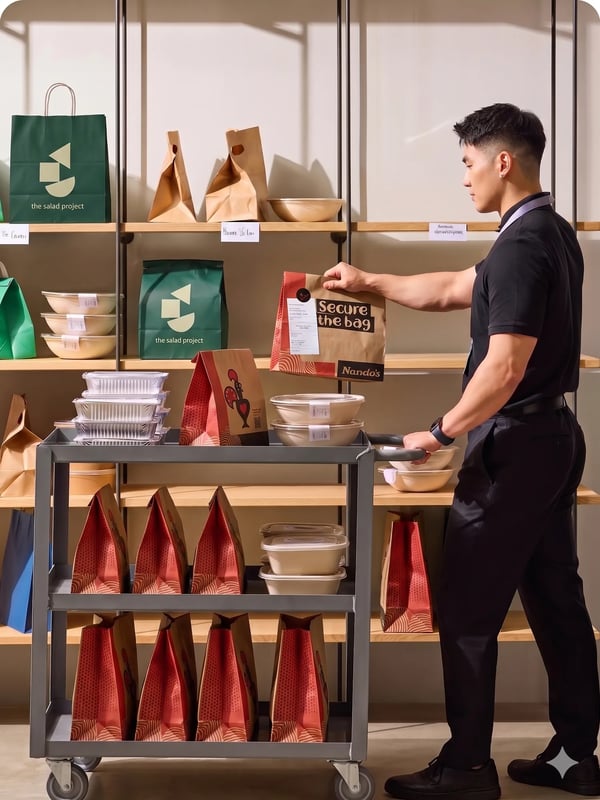
Everyone picks their own meal from their own account, and everything arrives together.

Employee Meal Programme
Recurring, subsidised team meals that run themselves — joiners and leavers synced automatically.

Office Catering
Boardroom lunches to all-hands — individually boxed meals, platters and buffets across London.
Trusted by 500+ London companies








Setup FAQs