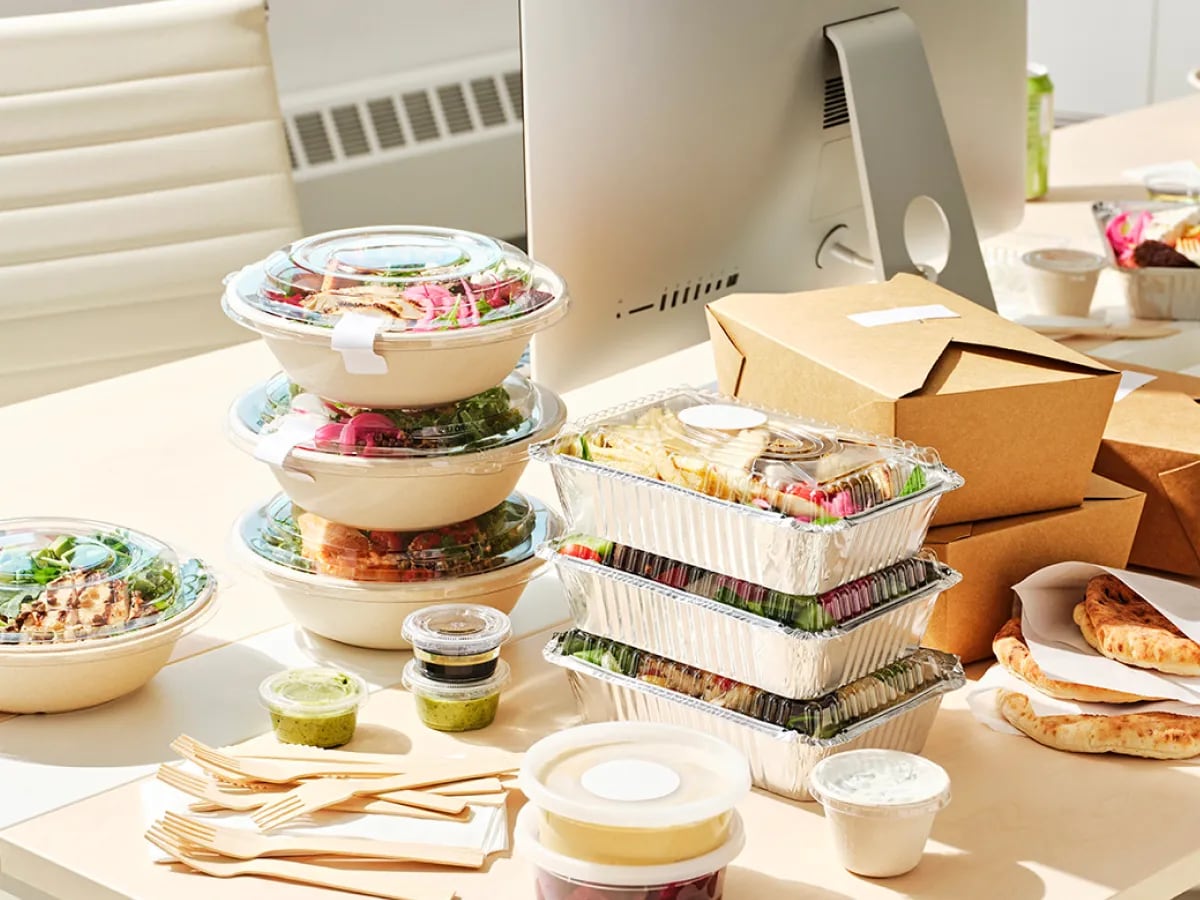
Meal budgets. Set by you, spent their way.
Give every employee a food budget by team, location, day or time of day. They choose from the restaurants that deliver to your office — finance gets one monthly invoice, with no receipts to chase and no expense claims to process.






Budget controls
Rules as granular as you need
One flat budget or fifty different rules — the engine handles team, location, day and time in any combination.
Per person or team
£12 a day for one team, £20 for another, or a single budget for one person — or one rule for everyone.
By office or location
Different budgets per site, or office-only delivery to support in-office days.
By day of week
Run lunch on Tuesdays and Thursdays only, every working day, or weekends for teams on shift.
By time of day
For example £10 at lunchtime, and a separate budget after 7pm for teams working late.


Healthy lunch
Healthy favourites, within budget
The salads, bowls and grills London teams order most — Farmer J, Atis, The Salad Project and more, every partner FSA-rated 4 or 5.
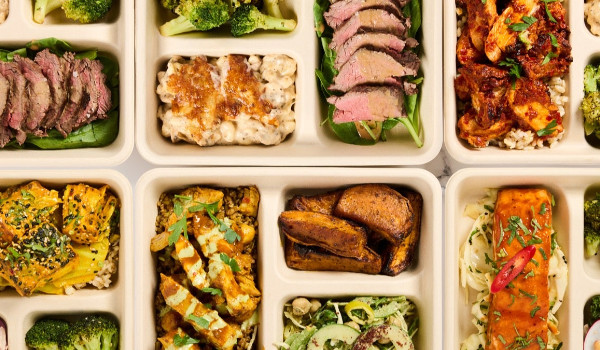



![Cacao Power [NEW], atis - Covent Garden](https://s3.eu-west-2.amazonaws.com/cdn.ordit.hu/default/0005/94/040f8de85a5481e1793a65aeee5cf89a8fac4c45.jpeg)
![Banana Nut [NEW], atis - Covent Garden](https://s3.eu-west-2.amazonaws.com/cdn.ordit.hu/default/0005/94/0af85819c8ffdce0cdffd24ee06ee80bbef3f8d2.jpeg)
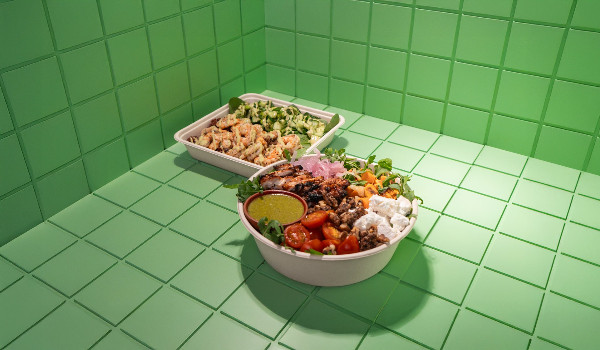

















All delivered to your office by Ordit's own fleet — in as little as 30 minutes.
Trusted by 500+ London companies








Meal budgets vs the old way
House accounts and expense claims push the admin onto employees and finance. Meal budgets put the rules where the spend happens — at checkout.
One card, no control
A shared card or restaurant tab covers everyone — and controls no one.
- No per-person limits:spend is only visible after the statement arrives.
- Manual coding:finance still re-codes every line to a cost centre.
- One restaurant:the whole office eats from whichever menu holds the tab.
Receipts and paperwork
Employees pay up front, keep receipts and claim back — and finance processes every claim.
- Slow for staff:out of pocket until the claim clears.
- Slow for finance:every receipt checked, coded and approved by hand.
- No enforcement:limits are policy on paper, not rules at checkout.
Rules at checkout
Budgets are enforced when the order is placed — not reconciled after the fact.
- Hard limits:employees can only spend what their budget allows.
- Zero paperwork:no receipts, no claims, one monthly invoice.
- Full visibility:spend by team, employee or expense code, in real time.
Set up in three steps
Meal budget FAQs